Devices
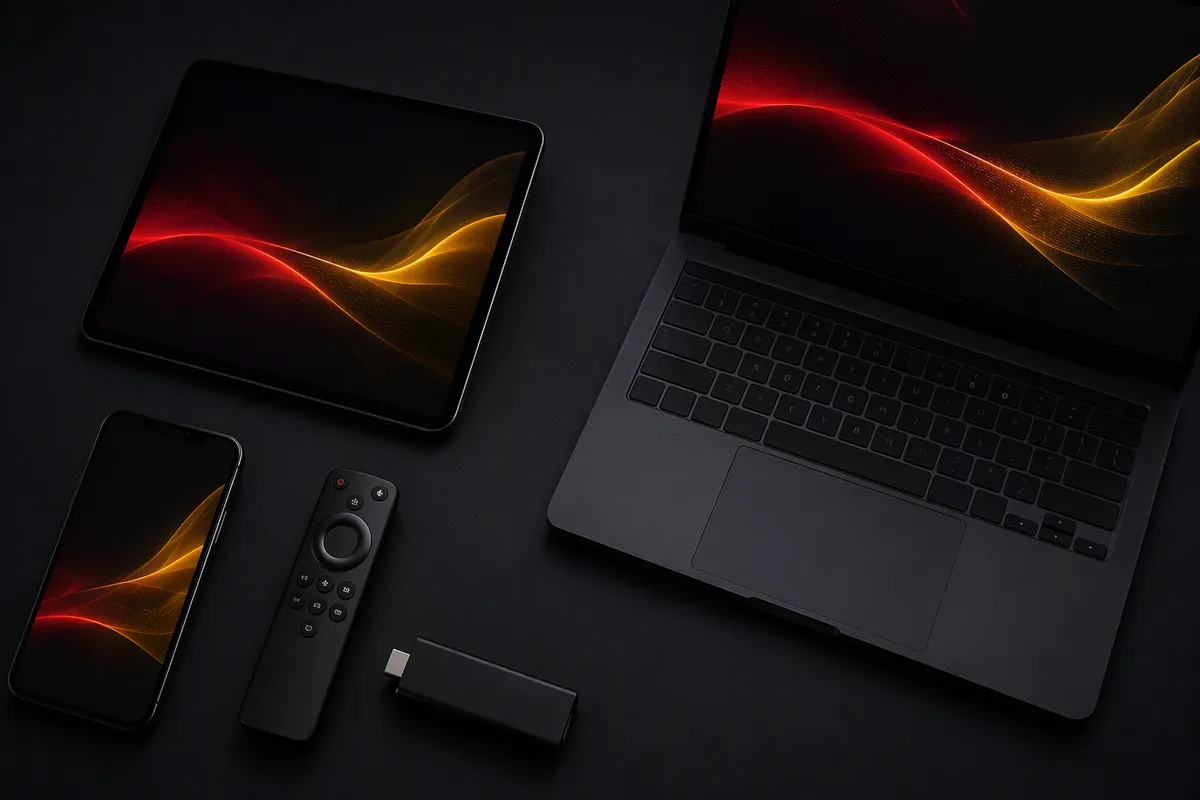
IPTV runs on the devices you already own. Pick yours below for honest setup notes — or ask us directly about a specific model.
Smart TV
Most modern Smart TVs run IPTV player apps directly — no extra hardware needed.
Samsung TV (Tizen)
Samsung TVs run Tizen OS; several well-known IPTV player apps are available in the Samsung app store.
LG TV (webOS)
LG TVs run webOS, which has its own selection of IPTV player apps in the LG Content Store.
Android TV
Android TV boxes and sticks offer the widest choice of IPTV player apps via Google Play.
Google TV
Google TV (including Chromecast with Google TV) runs the same app ecosystem as Android TV.
Amazon Fire TV
Fire TV Stick and Fire TV Cube are among the most popular IPTV devices in Europe.
Apple TV
Apple TV offers polished IPTV player apps through the tvOS App Store.
MAG Box
MAG boxes are dedicated IPTV set-top boxes with a built-in portal system.
Windows PC
Windows plays IPTV through desktop player applications.
macOS
Mac computers run IPTV through native player apps from the Mac App Store or developer sites.
iPhone & iPad
iOS and iPadOS have several well-regarded IPTV player apps in the App Store.
Android Phone & Tablet
Android phones and tablets offer the widest choice of IPTV player apps.